How do I use AI Chat in Slack?
Last updated: April 8, 2026
Teamspective AI chat helps you get personalized insights from your feedback, engagement data, and team information using natural language.
You can access it through the Teamspective web app or directly in Slack.
Accessing AI Chat
In Slack
The Teamspective AI assistant is available directly in Slack (if enabled in your company). You can find it in the Teamspective Slack app.
Open Slack and look for the Teamspective app in the sidebar.
Click the Chat tab.
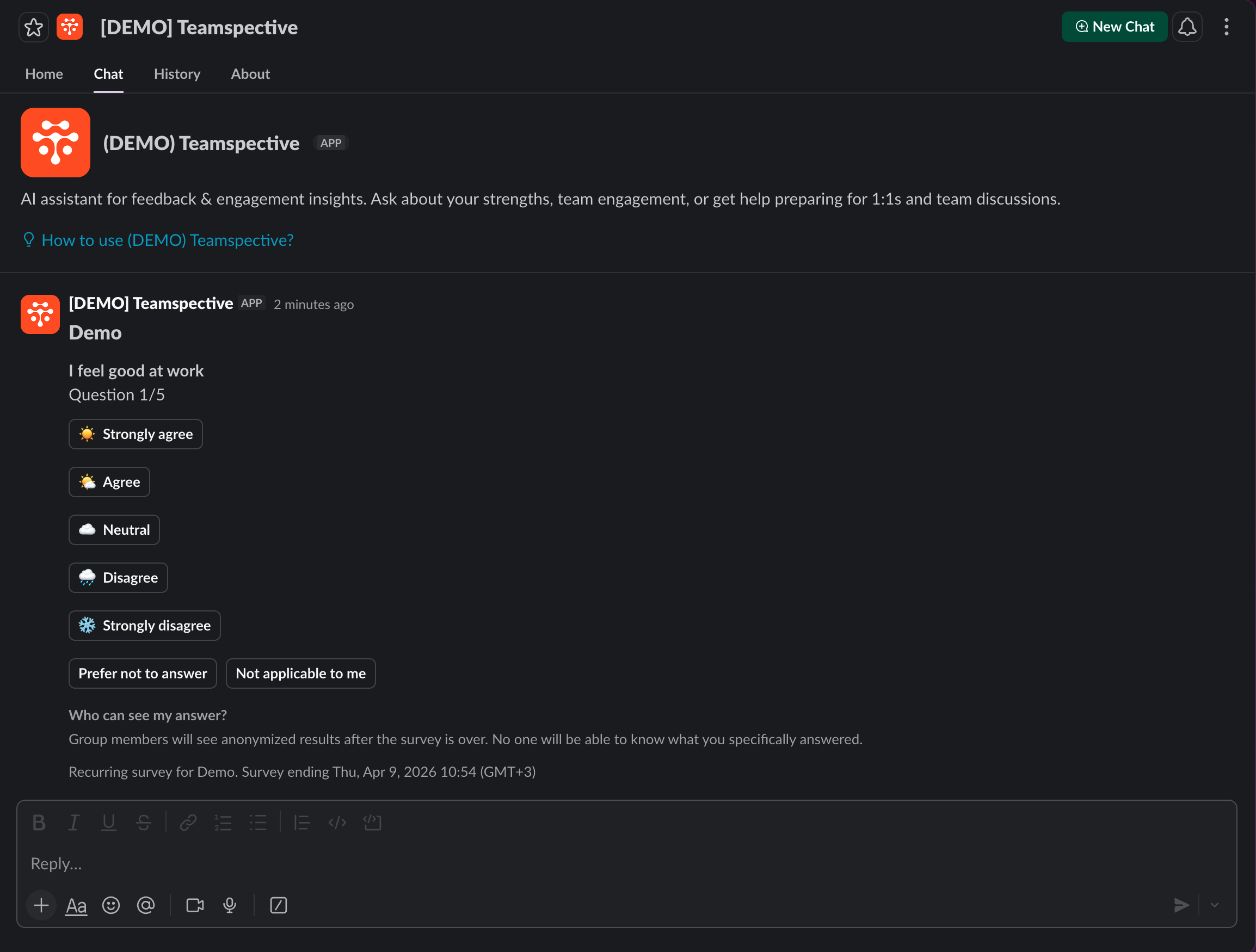
Type your question or prompt to get started.
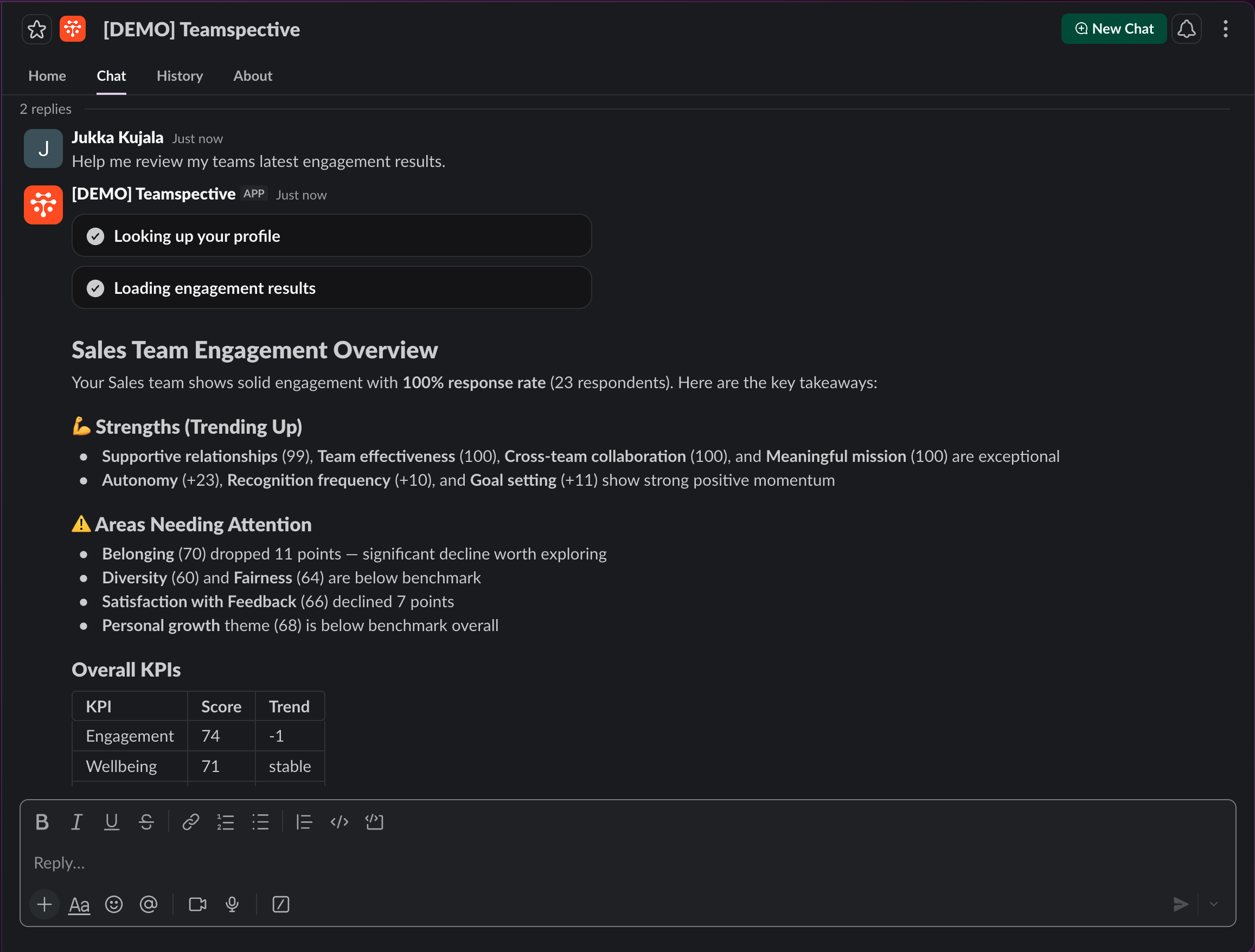
What you can ask
The AI assistant has access to your Teamspective data and can answer questions about:
Personal insights
"What are my strengths based on feedback I've received?"
"Summarize the feedback I've gotten recently"
"How has my engagement been trending?"
Team insights (for managers and admins)
"How is my team's engagement?"
"What themes are coming up in my team's feedback?"
"Are there any areas of concern in my team's engagement results?"
Preparing for conversations
"Help me prepare for my next 1:1"
"What topics should I discuss with my team?"
"Help me prepare for my team discussion"
General questions
"What features does Teamspective offer?"
"How do I give feedback to a colleague?"
The assistant adapts its suggestions based on your role. Managers and admins will see prompts relevant to team leadership, while individual contributors will see prompts focused on personal growth and feedback.
Working with conversations
Conversation history
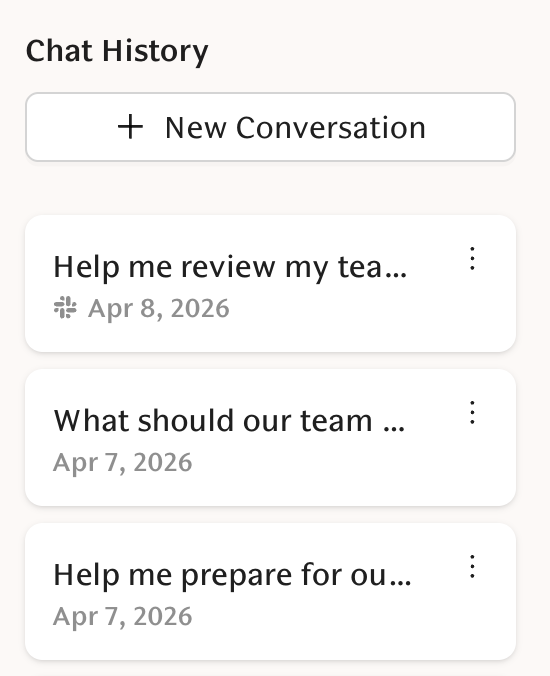
Your chat history in Slack is saved automatically to the web app. In the web app, you can access previous conversations from the sidebar on the left side of the chat page.
Tips for getting the best results
Be specific. "How is my team doing?" works, but "How has my team's engagement changed over the last 3 months?" gives a more focused answer.
Ask follow-up questions. The assistant remembers the conversation context, so you can drill deeper into any topic.
Use it to prepare. Before 1:1s or team discussions, ask the assistant to summarize relevant feedback and engagement data.
Data and privacy
The AI assistant only accesses data you have permission to view in Teamspective.
Managers see team-level insights. Individual contributors see their own feedback and engagement data.
Conversations are private to you.