How managers can view their team members' feedback?
Last updated: October 10, 2025
Managers can view growth feedback given to and received by their direct reports through the Performance product in Teamspective. Here's how to access and understand this functionality.
Where can managers see the team feedback
Managers can view their team members' growth feedback from the feedback results page at https://app.teamspective.com/feedback#feedback-results:view=personal. From this page, managers can see:
Who has requested feedback
Who has received feedback
Who has given feedback
Who has sent praise
How many requests has been completed
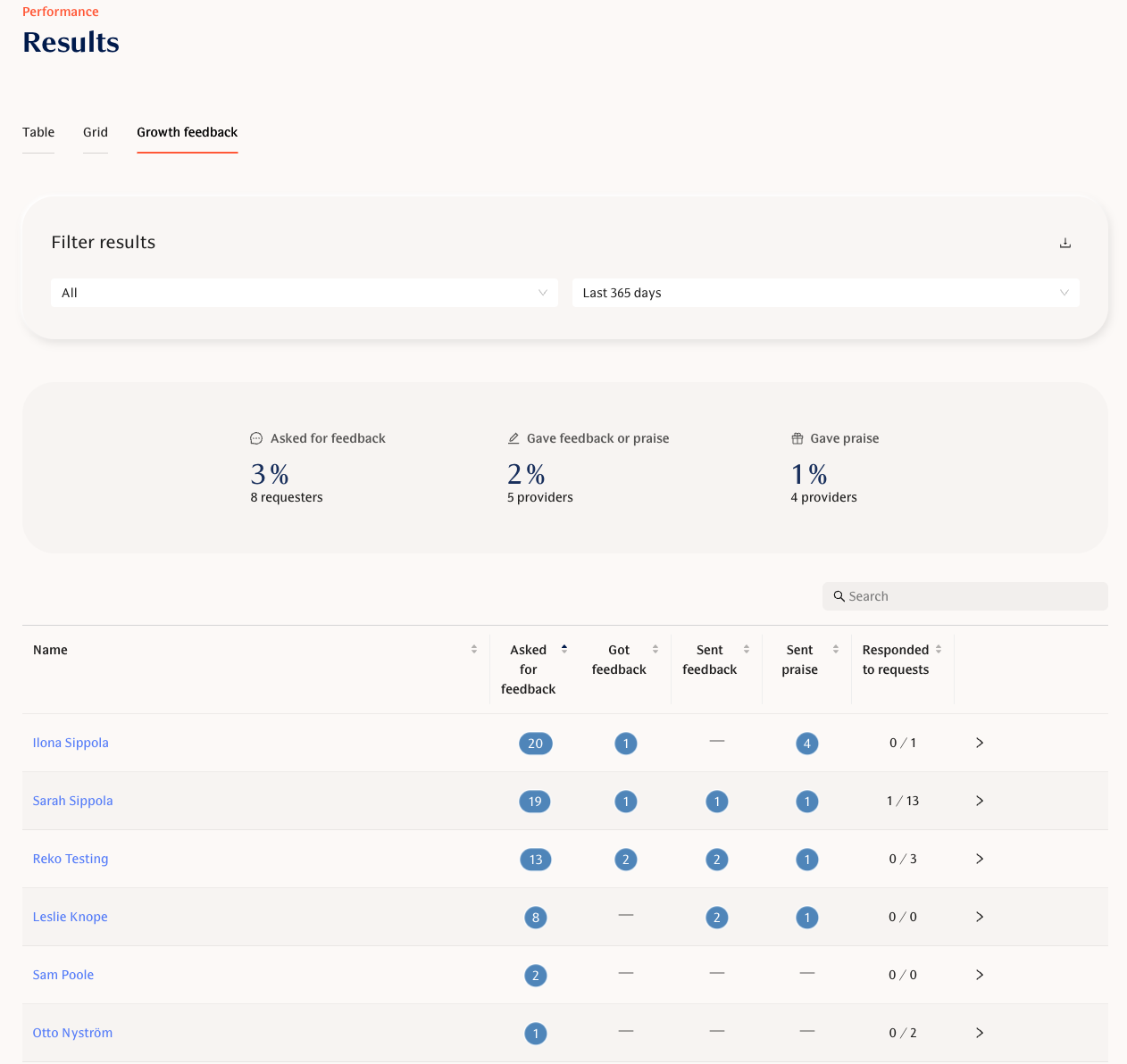
You can view the individual's feedback by clicking their name in the table:
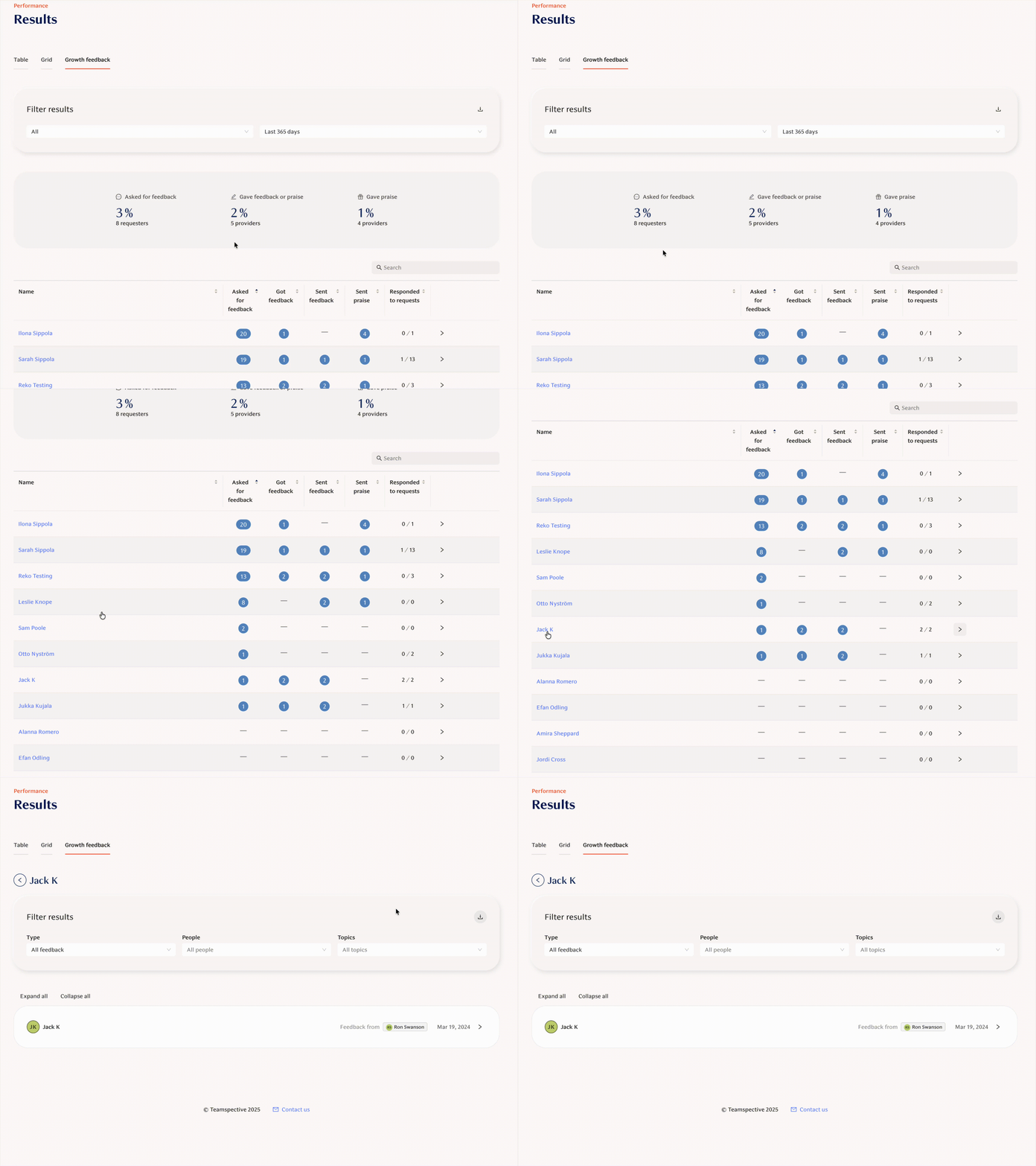
Manager permissions setup
For managers to see their team members' feedback stats, the appropriate manager permissions must be enabled in your workspace. Workspace admins can check which users have manager permissions by visiting the Management permissions page in your workspace settings.
Important notes
Manager permissions for feedback do not affect pulse survey result visibility - these are separate systems
Managers only see feedback related to their direct reports, not feedback from other teams
The Performance product uses the same organizational structure as Engagement.
If managers are unable to see their team members' feedback, contact your administrator to verify that manager permissions are properly configured for Performance.