How can a manager view real-time response rates for their team?
Last updated: August 26, 2026
Managers can view live response rates for an ongoing engagement survey directly in the survey experience or by asking Lea.
View response rates in the survey
Open the active engagement survey from Home.
Navigate through the survey questions.
Check the response-rate information shown beneath each question.
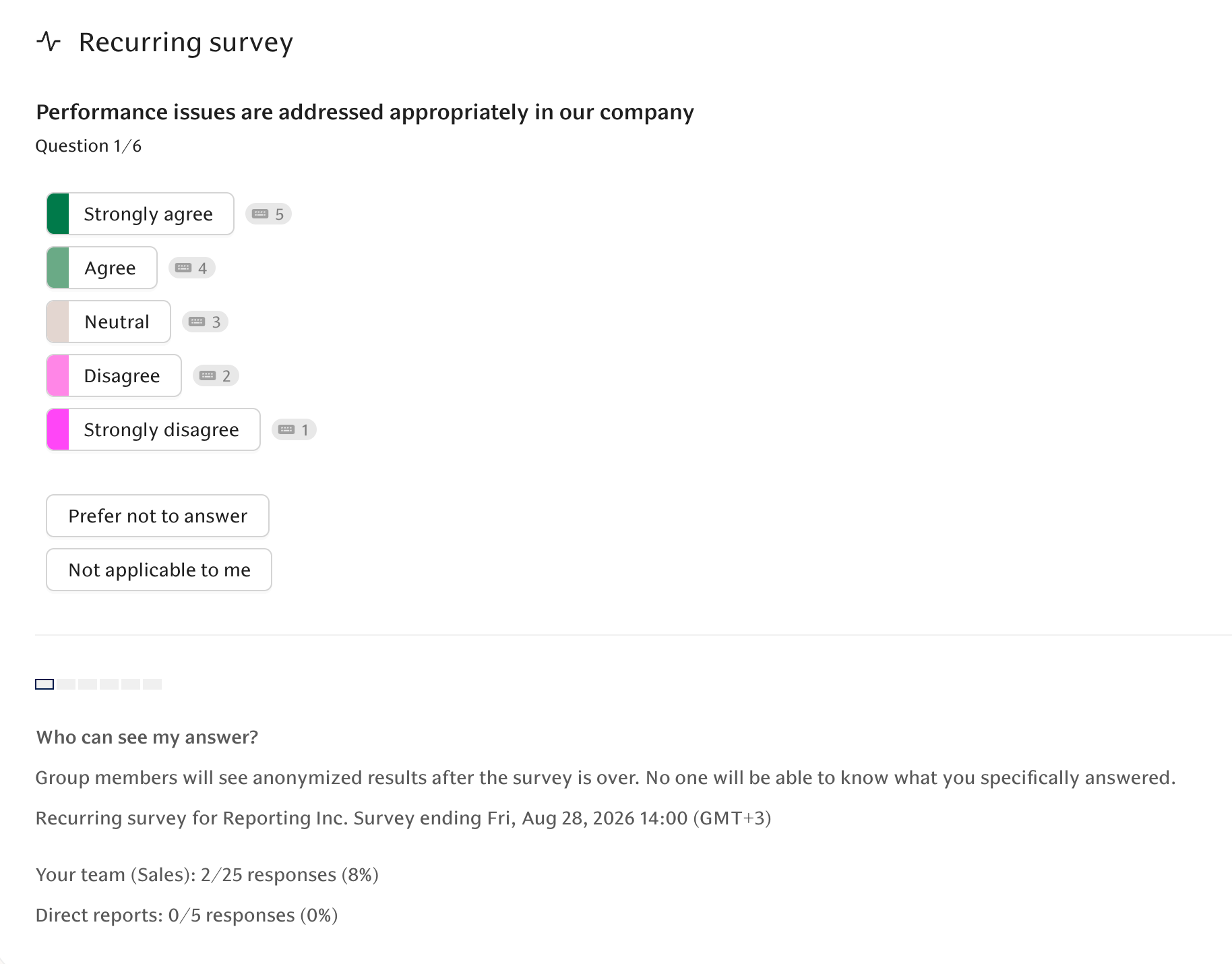
Depending on your reporting structure, you may see:
Direct reports — the number and percentage of your direct reports who have responded.
All reports — the number and percentage of everyone in your reporting tree, including indirect reports. This appears when the all-reports rate differs from the direct-reports rate.
Do I need to submit my own survey response first?
No. You do not need to complete or submit your own survey response before viewing response rates.
Can I check the rates again later?
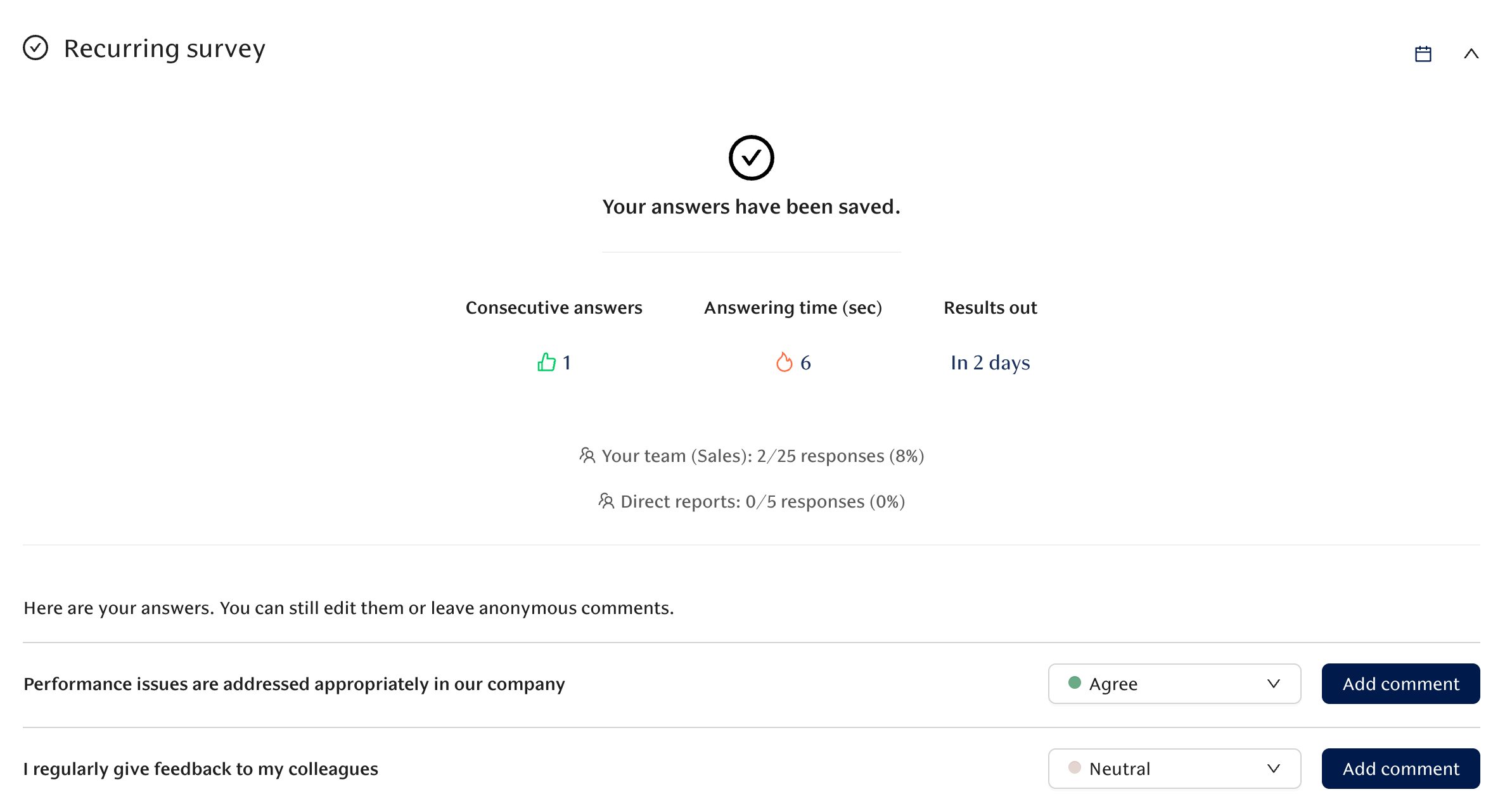
Yes. While the survey is live, you can return to Home and reopen the survey to see the latest response rates. Your survey progress is retained.
Can Lea show response rates?
Yes. You can also ask the AI Agent Lea for the current response rates for an open survey, including direct-report and all-report rates where your permissions allow it.
Note: Live response rates are available for ongoing, one-off engagement surveys. Automated, recurring surveys do not display live response rates because the participant group can change over time.