How often are automatic feedback reminders sent out?
Last updated: July 1, 2026
Teamspective sends automatic reminders to help ensure feedback is provided on time. There are two types of feedback reminders, each with its own schedule.
Structured feedback reminders
When a structured feedback round is created with a deadline, reminders are scheduled at fixed intervals before the deadline:
1. 7 days before the deadline
2. 2 days before the deadline
3. 1 hour before the deadline (final reminder)
This means a structured feedback round can trigger up to 3 reminders in total. If the round has a shorter response window, only the reminders that fit within the remaining time are sent.
When a deadline is extended, an additional reminder is sent 6 hours before the new deadline.
Weekend and business hours: Reminders are shifted forward to the next workday morning if they would fall on a weekend or outside business hours. The final 1-hour reminder is not adjusted — it is sent exactly 1 hour before the deadline regardless of the day or time.
Dashboard visibility: The structured feedback progress view shows when the next reminder is scheduled for each pending respondent.
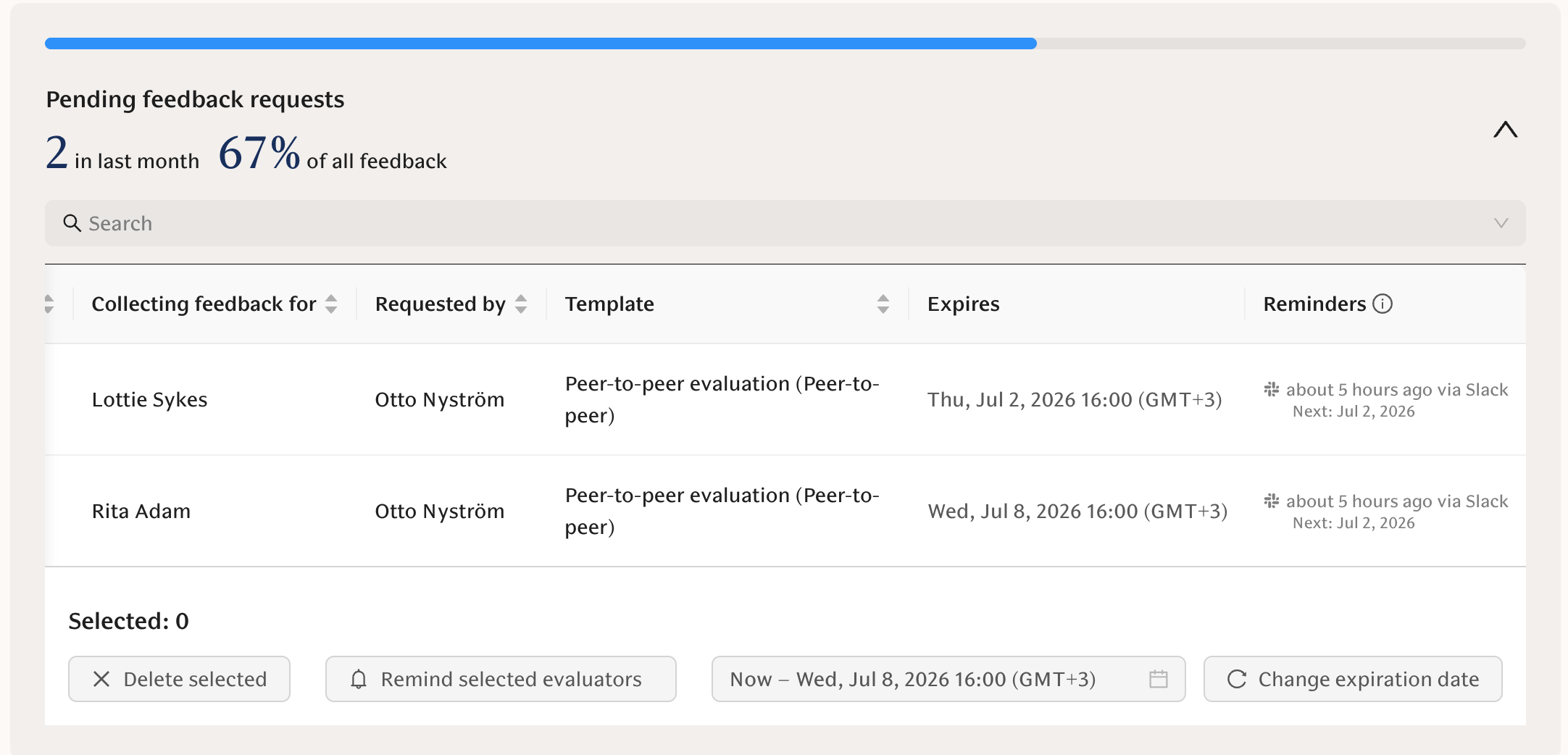
Growth feedback request reminders
When someone requests growth feedback, a reminder is sent to the provider if they haven't responded:
1. First reminder: 2 days after the request is sent
2. Follow-up reminders: every 2 days after each reminder
3. Maximum: up to 7 reminders in total
Reminders stop automatically when the provider submits their feedback, or if the request is muted.
Snoozing: If a feedback request is snoozed, the next reminder is delayed by 7 days instead of the usual 2.
Weekend handling: Reminders are adjusted to the next workday at the same time of day if they would fall on a weekend.
Who receives reminders?
- Structured feedback reminders are sent only to respondents who have not yet submitted their feedback
- Growth feedback reminders are sent only to providers who have not yet responded, and only if the request has not been muted or the deadline has not passed
Delivery channels
Reminders are delivered based on each user's notification settings and connected platforms:
- Slack — if the user has Slack connected and notifications enabled
- Microsoft Teams — if connected and enabled in notification preferences
- Email — used as the default channel
Users can manage their feedback reminder preferences from their notification settings.