Teamspective quick start guide
Last updated: August 15, 2025
Welcome to using Teamspective!
This is a quick start guide to help you get up to speed quickly.
The Home page
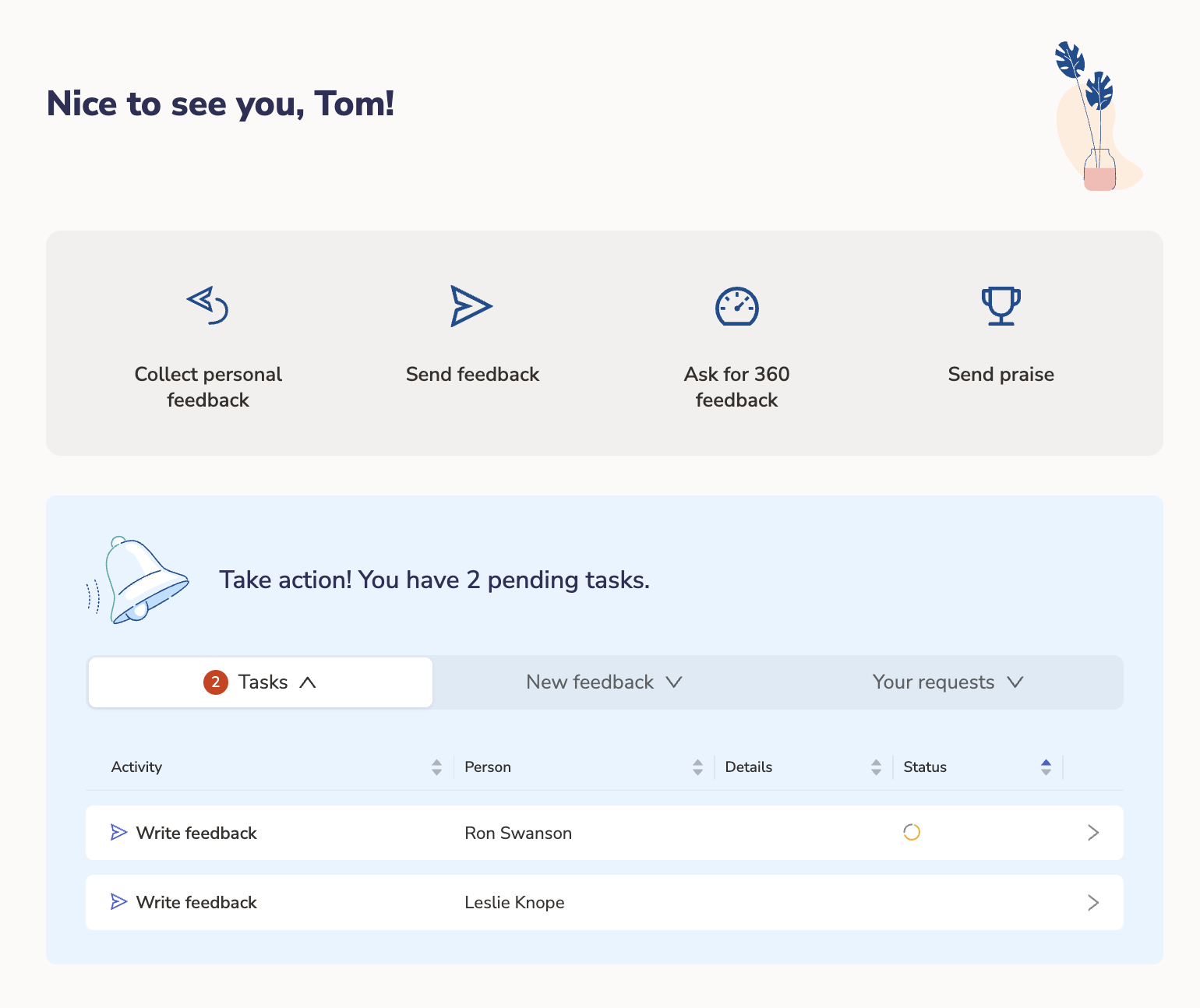
The Home page is your landing page for Teamspective. It gives you quick access to most common actions, and an overview of your currently pending tasks such as:
Responding to engagement surveys
Feedback or Evaluation requests
Other suggested actions
User settings
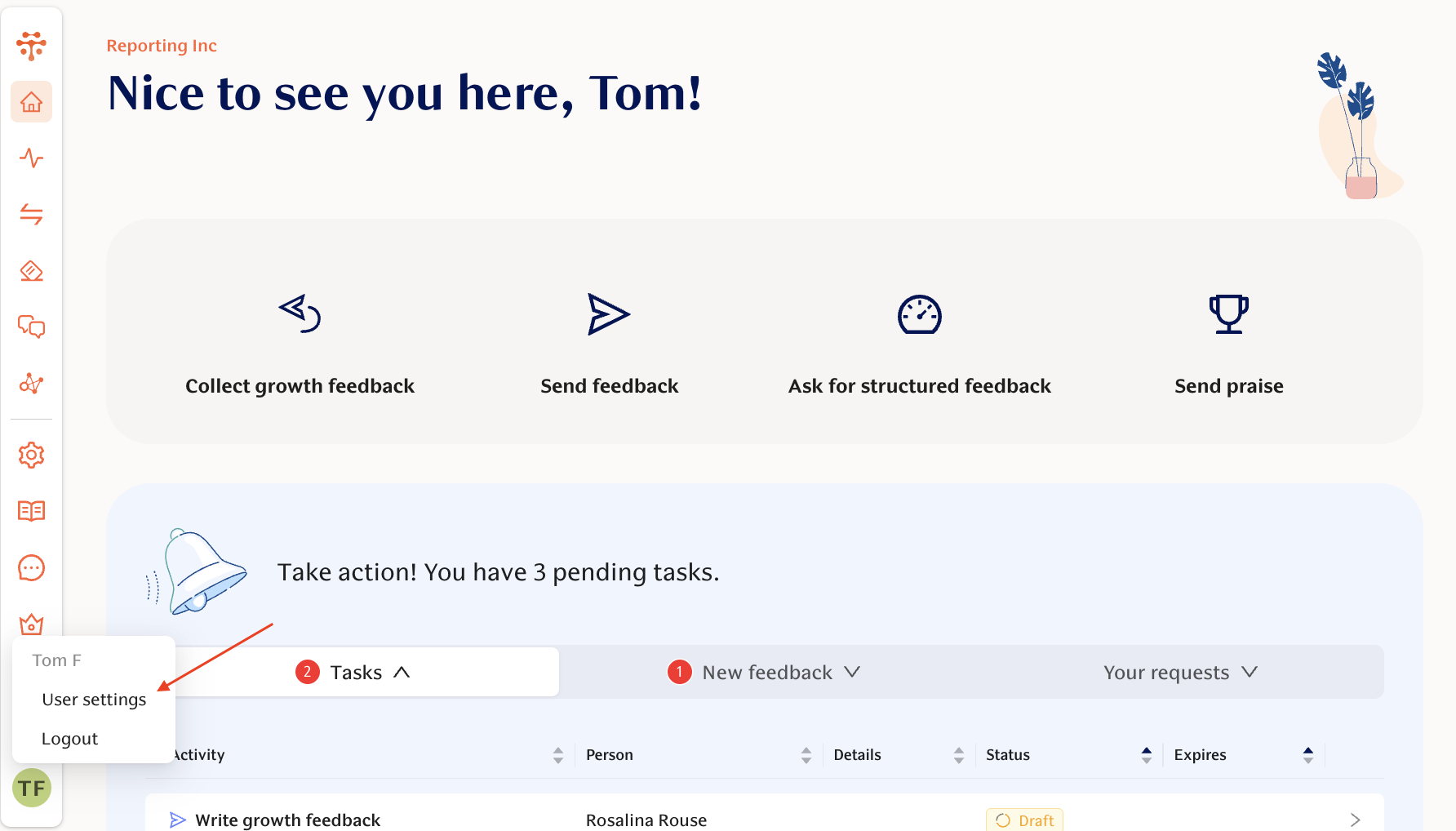
You can access you personal User settings from any page via the link in the top-right hand dropdown:
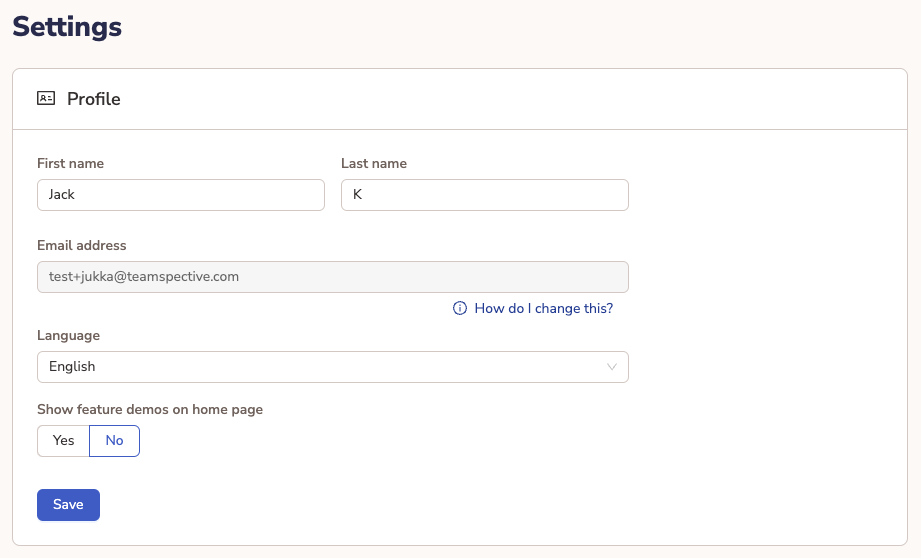
Within the user settings you can:
Edit your name.
Select a preferred language.
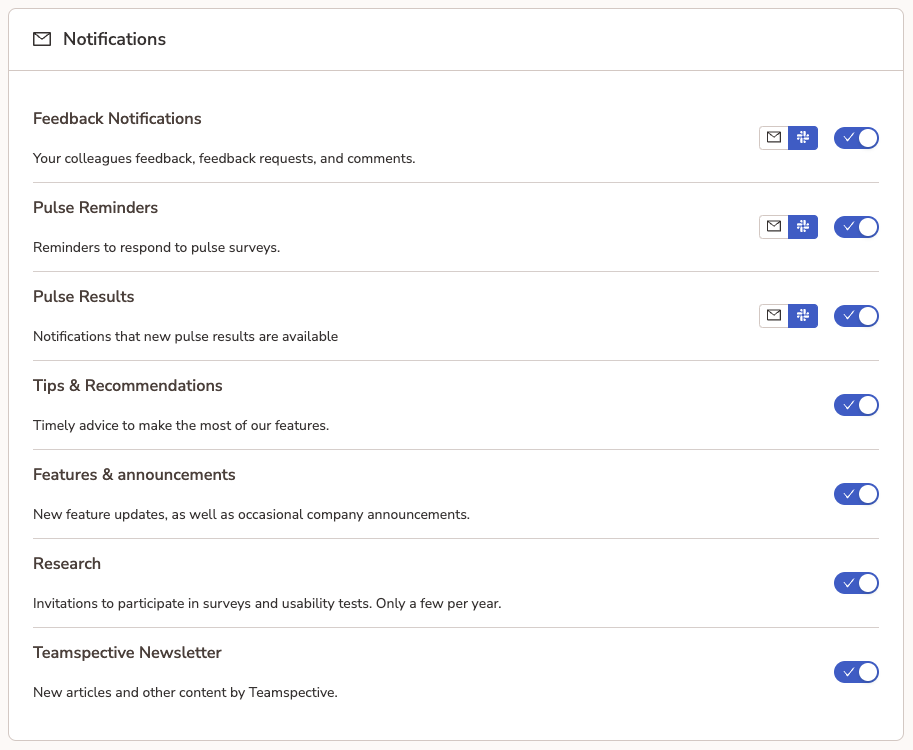
Adjust your preferred notification channels.
Using Teamspective in Slack or MS Teams
Your organization can integrate Teamspective into Slack or MS Teams to enable you to use the majority of Teamspective features directly from those platforms.
This includes:
responding to surveys
receiving engagement survey summaries and action points
sending praise
requesting feedback
responding to feedback and evaluation requests
anonymous chat
Detailed tips for activating the integration are available here:
📄 Integrate to Microsoft Teams
Quick start guides for different modules
You can find the more specific quick start guides via the links below depending on which modules you have in use.