Structured Feedback quick start guide
Last updated: October 15, 2025
In this quick start guide you can find an overview of all the main elements related to the Structured Feedback solution in Teamspective:
Asking for Structured feedback
Responding to a feedback request
Viewing you Structured feedback
In case you are a manager, please view:
📄 Performance guide for team leads
People who receive feedback monthly are 3x more likely to feel engaged and developing at work.
Teamspective encourages you to ask for feedback on a regular basis. This allows you to maintain a healthy understanding of how you are progressing towards your goals and how effective you are at collaborating with colleagues.
Asking for Structured feedback
This functionality might not be available for you. It needs to be separately enabled by your organisation's admin.
The main workflow for sending a feedback request is:
Select who you want feedback from.
Select the feedback template you want to use.
Note: Templates can only be created by admins!
Select a deadline for the request.
In Slack
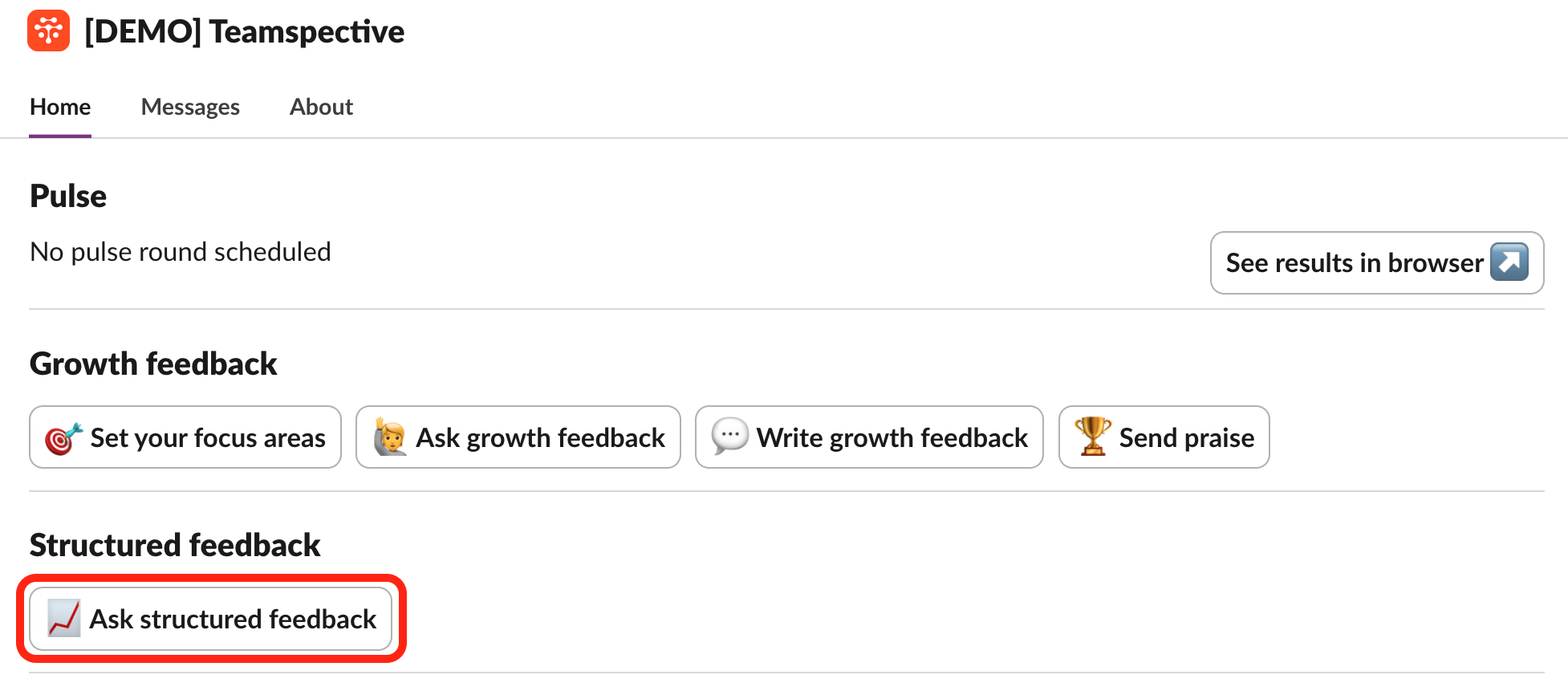
Go to the Home tab in the Teamspective app and click Ask structured feedback.
Fill in the feedback request and click Submit.
In MS Teams
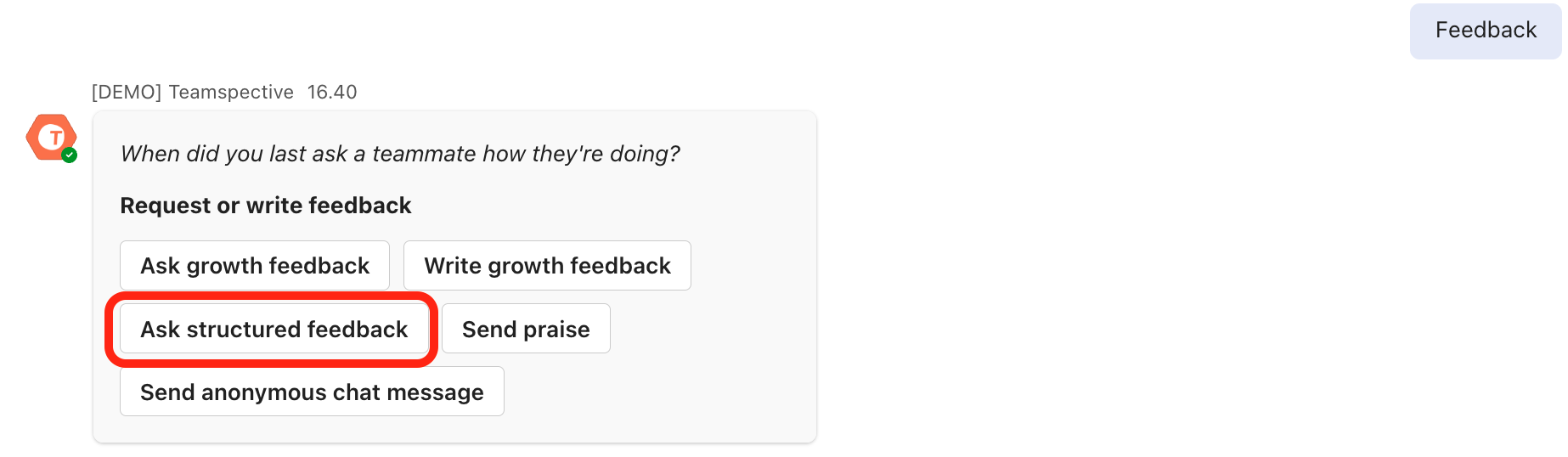
Type feedback into the message field and you will receive a selection of actions from the Teamspective app.
Select Ask structured feedback from the list and start filling in the request.
Teamspective web app
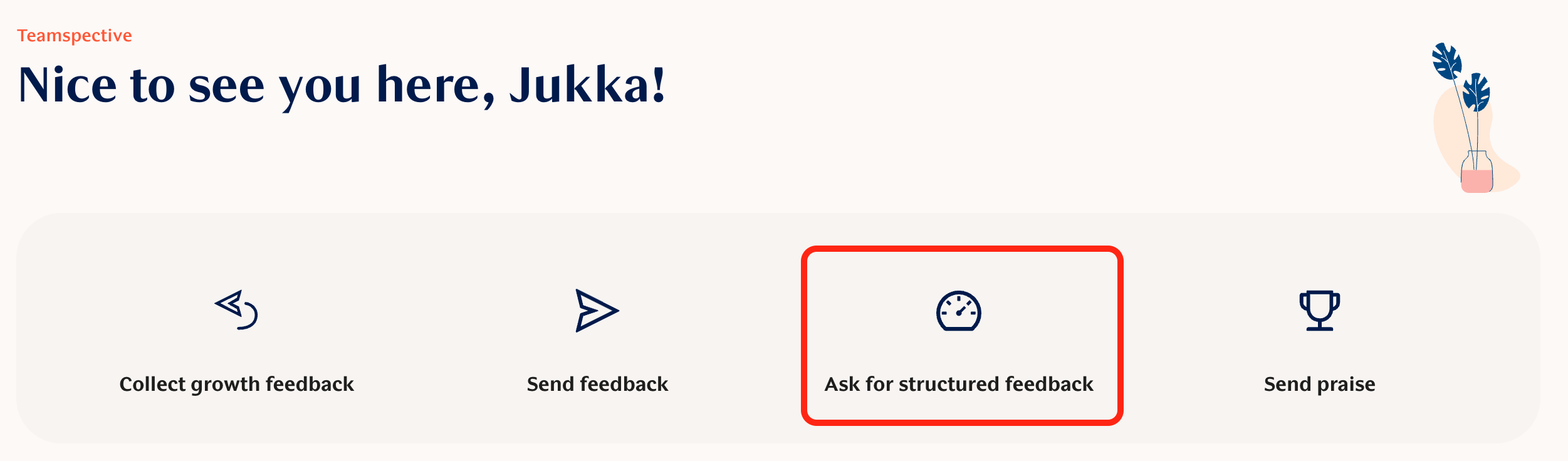
Select Ask for Structured Feedback from the Home page or My Feedback pages and start filling in your request.
Responding to a feedback request
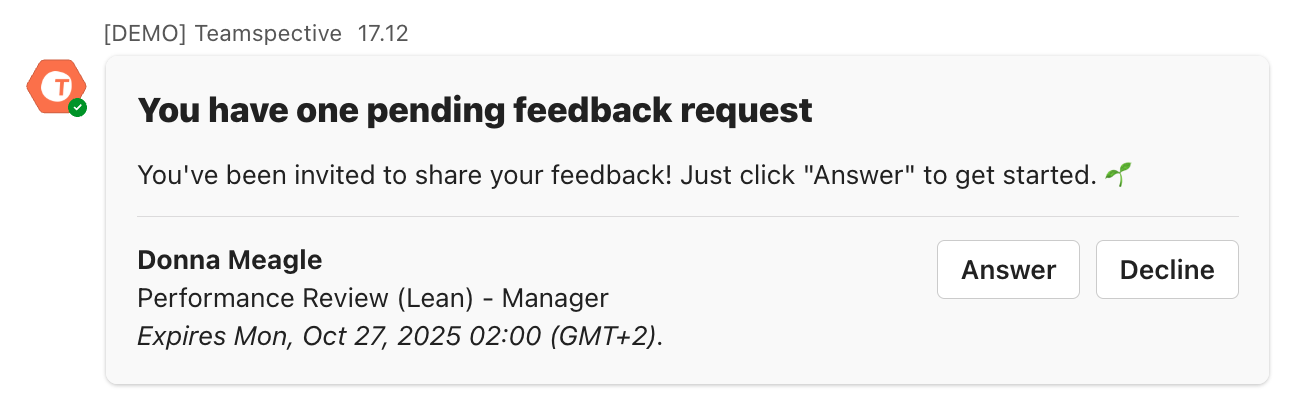
When you are asked to give feedback on someone, you will receive a feedback request. The requests are visible in Slack / MS Teams or in the web app. Click on the request to start completing it.
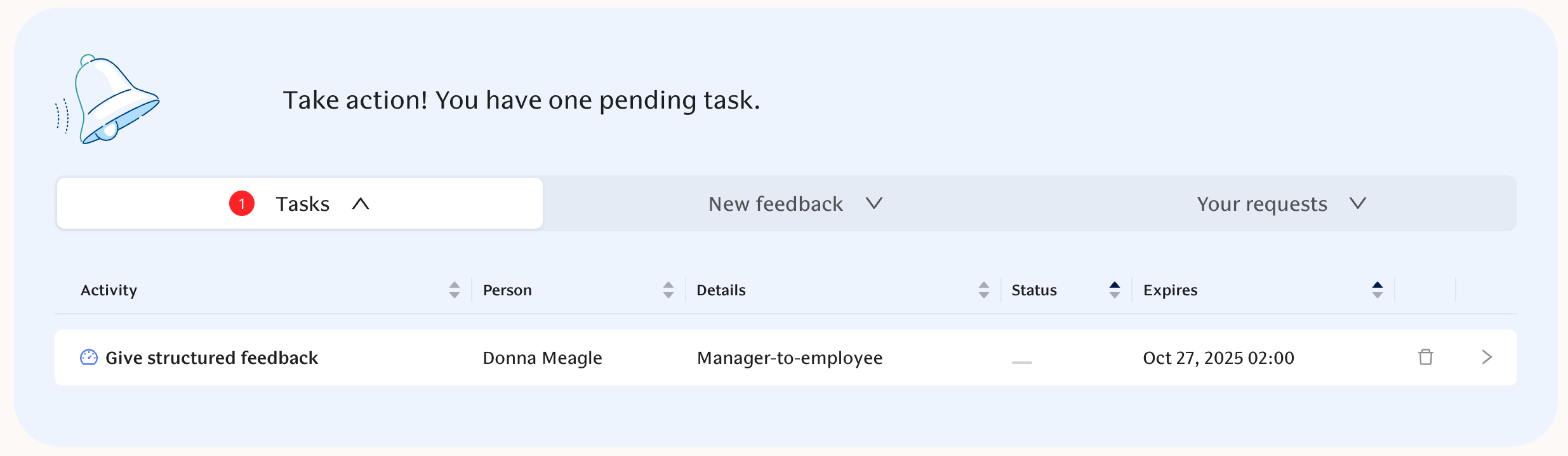
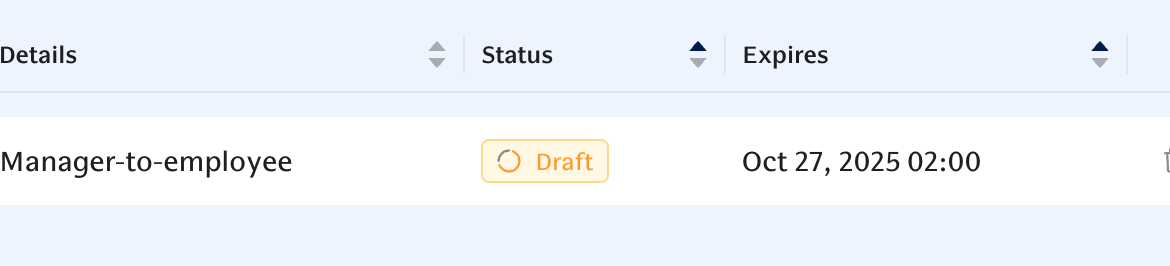
If you aren't able to finish your request immediately, it will be stored as a draft and you can always continue where you left off:
Viewing your Structured feedback
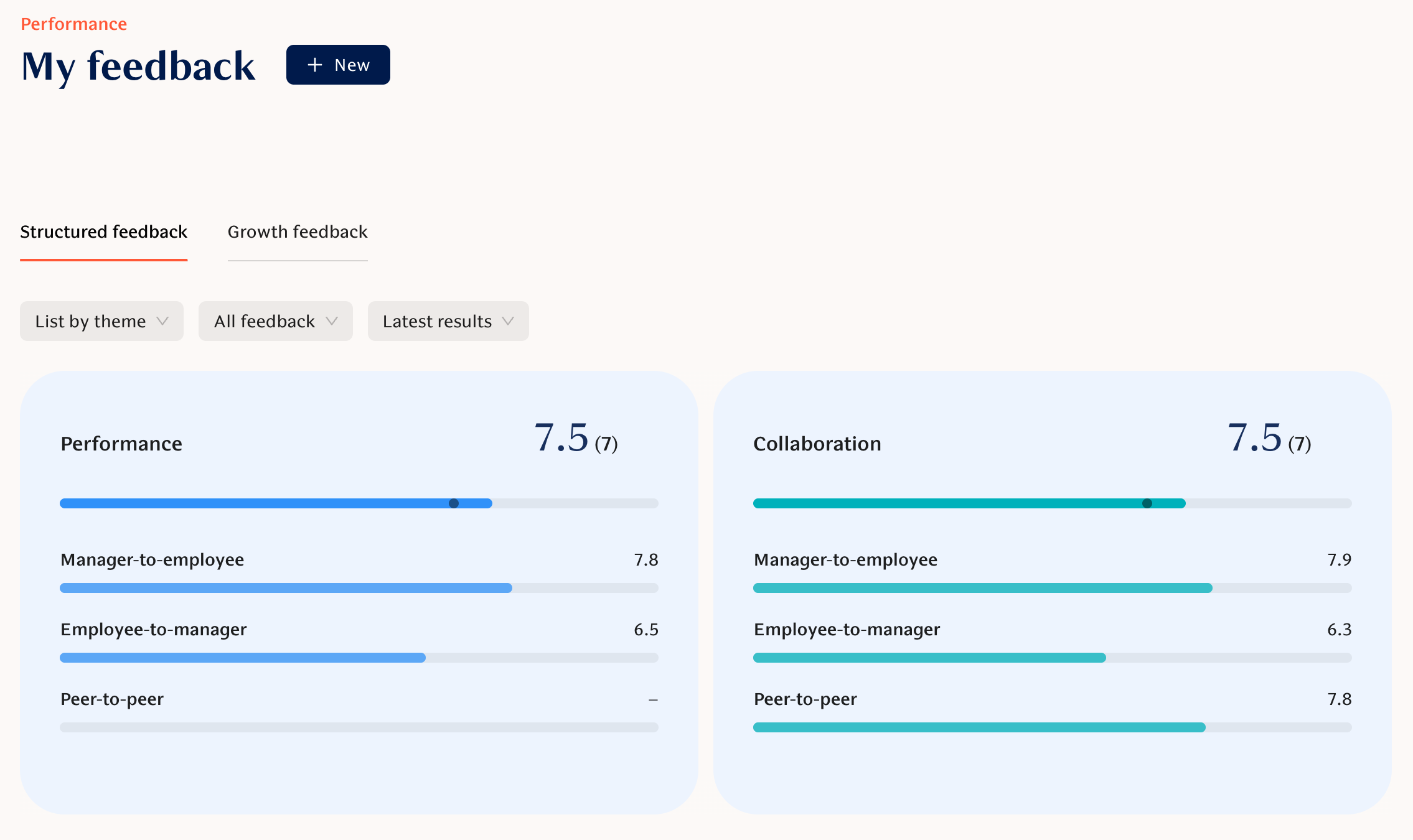
All received feedback can be viewed on the My Feedback page.
View your feedback by selecting Structured feedback:
AI Feedback Summary
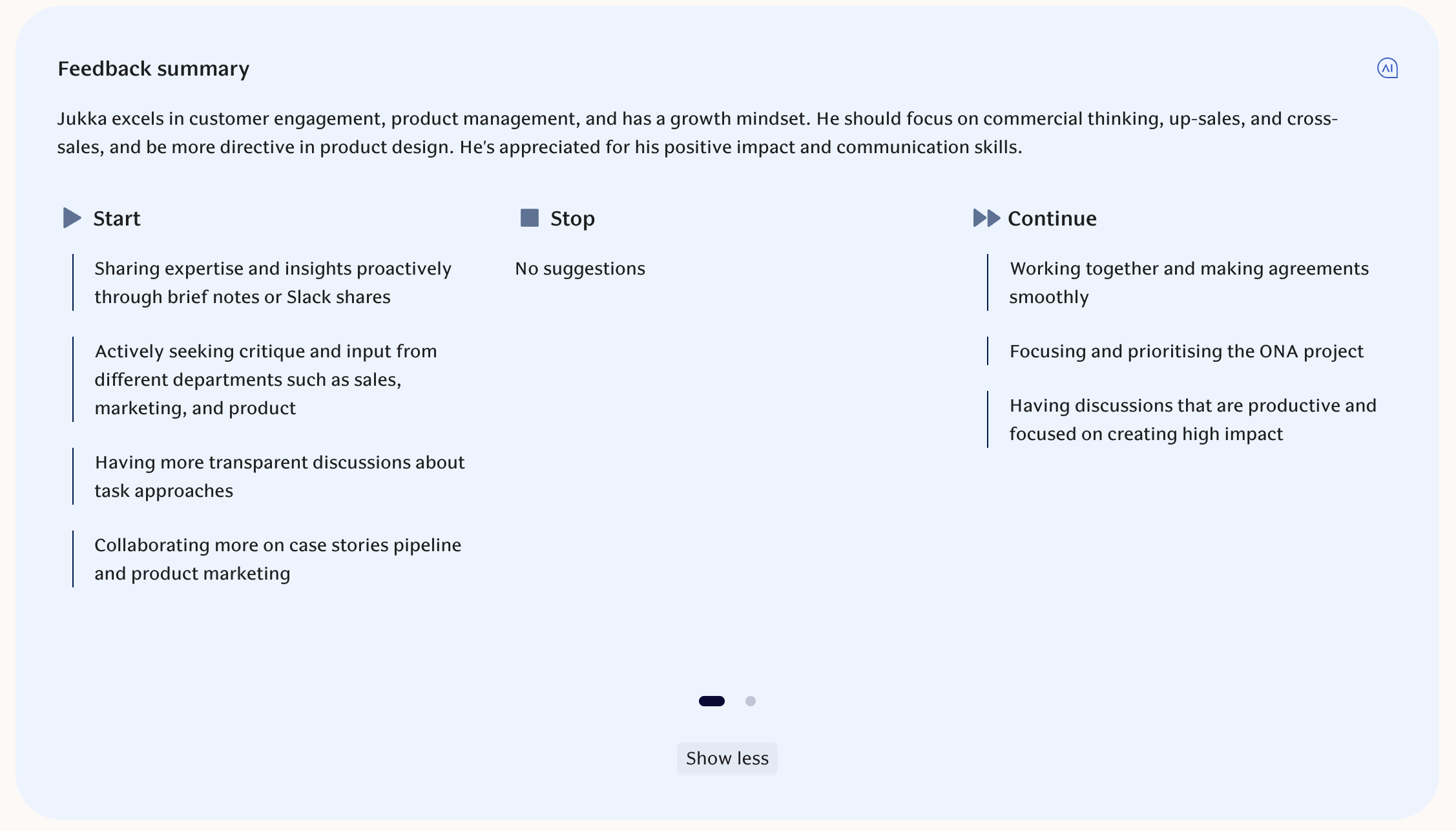
Teamspective will automatically generate a summary based on the written feedback which has been published to you. This helps focus on the main points and start taking action.
The summary is generated with 2 frameworks:
Start, Stop, Continue
Strengths and Development Areas
Still haven't found what your looking for?
Checkout our Performance FAQ or search the Knowledge Base for a more detailed article!